
Network Installation

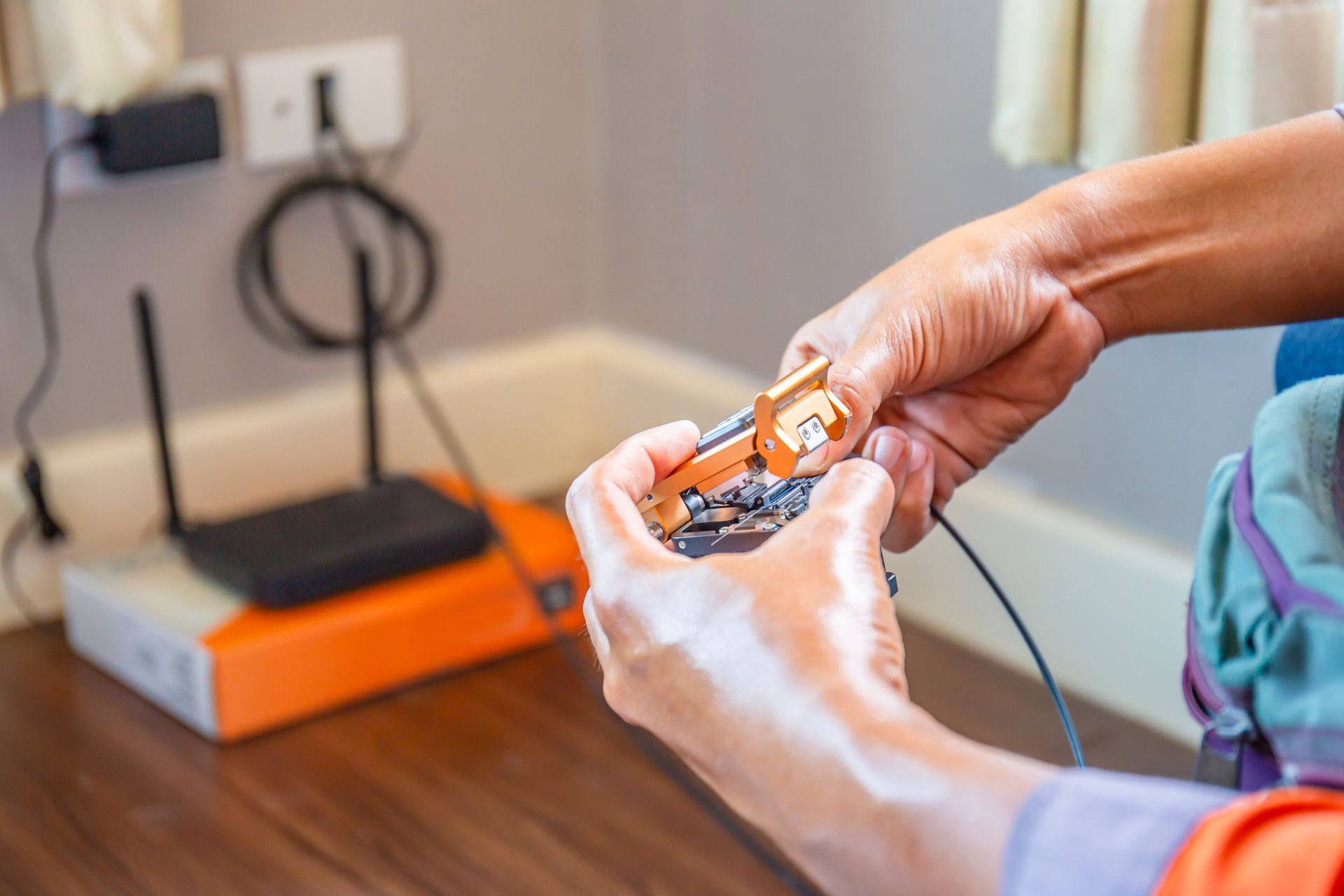
Network Installation in Indianapolis
Slow Wi-Fi in the back room, a printer that keeps dropping off, a switch tucked under a desk with every port full: these are signs of a network that grew without a plan. MaryComm Wiring handles network installation in Indianapolis. We put the cabling and equipment in place so connections reach where they are needed and stay up once they get there.
What a Network Installation Covers
A network has a few core parts:
- **Router:** connects the building to the internet service.
- **Switches:** distribute that connection to wired devices.
- **Wireless access points:** broadcast Wi-Fi.
- **Cabling:** links all of it together, running from a central location out to each desk, camera, phone, or access point.
Installation means placing each of those pieces where it belongs and connecting them so they work as one system.
Security cameras, speakers, and coaxial lines each need a clean cable path to work the way they should. Camera, speaker, and coax wiring runs and connects the cable to each device, whether that is one camera over a door or a set of speakers across several rooms.
04
Cameras, Speakers, and Coax
Planning Before Equipment Goes In
Good networks start on paper. Mapping the building first shows where wired connections are needed, where Wi-Fi has to reach, and where the equipment should live. A central closet or rack keeps cable runs shorter and makes later changes easier.
Wall materials matter too. Brick, concrete, and metal weaken wireless signals far more than drywall does. That affects how many access points a space needs and where they go.
Wired and Wireless Working Together
Most networks use both. Fixed devices like desktops, printers, smart TVs, and cameras perform best on a cable, where interference and congestion are not a factor. Phones, laptops, and tablets need Wi-Fi. The access points themselves work best wired back to a switch rather than relaying signal through the air, because every wireless hop costs speed.
Power over Ethernet simplifies the install as well. With a compatible switch, a single cable carries both data and power to an access point, camera, or phone, so the device does not need an outlet nearby.
Connected Services
Networks are built on cabling.
Wiring installation and repair covers new runs, terminations, and fixes for lines that fail. Security systems often join the network next, and
camera, speaker, and coax wiring runs cable to each camera and speaker location. For everything else, head to the
MaryComm Wiring home page.

Network Installs Near You
MaryComm Wiring
sets up networks throughout Indianapolis and in nearby cities such as Lawrence, Southport, Carmel, and Greenwood. Service extends further as well, since the company covers the entire state.
Frequently Asked Questions
Should devices be wired or wireless?
Devices that stay in one place, such as desktops, printers, TVs, and security cameras, are more stable on a cable. Wi-Fi suits devices that move around, like phones and laptops. Most networks combine the two, with access points wired back to a central switch.
What is Power over Ethernet?
Power over Ethernet, or PoE, sends electrical power and data over the same network cable. Access points, IP cameras, and VoIP phones can run on it without a separate outlet. It requires either a PoE-capable switch or an injector at the equipment end of the cable.
Why does Wi-Fi drop out in certain rooms?
Distance and building materials are the usual causes. Brick, concrete, plaster, and metal block wireless signal far more than drywall. The most reliable fix is an additional access point wired back to the network. A wireless extender also works, but it repeats the signal over the air and loses speed doing it.
Where should network equipment be located?
Network equipment belongs in a central, ventilated, and accessible spot, such as a utility closet or a wall-mounted rack. A central location keeps every cable run within Ethernet's 100-meter limit and avoids long runs to the far corners of the building.
Can an existing network be upgraded instead of replaced?
Often it can. Cable in good condition can stay while the equipment is replaced. Cat5e cable supports gigabit speeds. Cat6 supports 10-gigabit speeds over runs up to about 55 meters, so the cable already in the walls decides how far an upgrade can go.